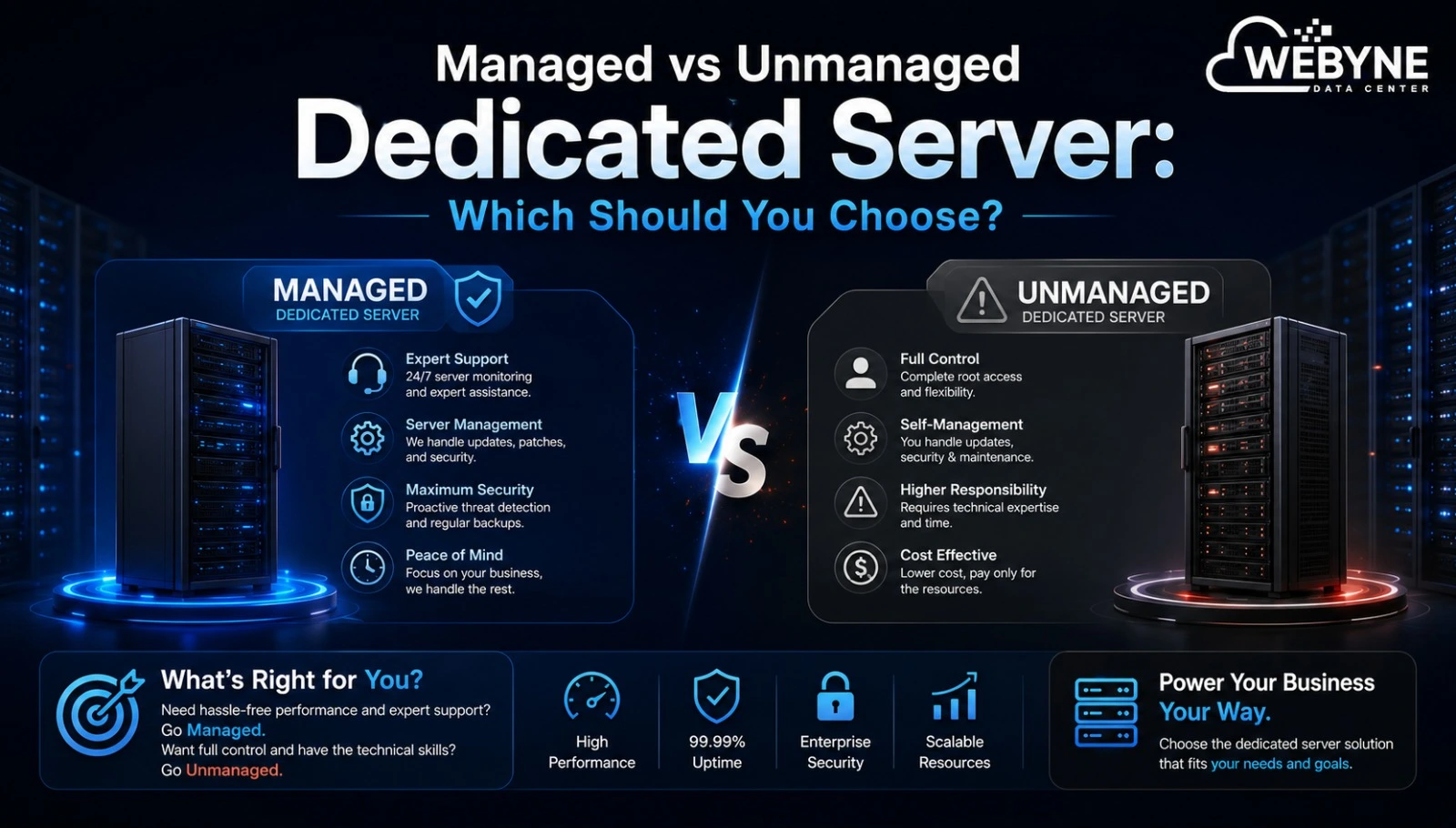
Once you've decided to move to dedicated hosting, the next question is whether you need a managed dedicated server or an unmanaged one. The answer depends heavily on your team's technical capacity — here's how to think through it.
What Is a Managed Dedicated Server?
With a managed dedicated server, the hosting provider handles the technical heavy lifting: initial setup, operating system installation, security patching, monitoring, and troubleshooting. You focus on your application; the provider handles the infrastructure underneath it.
What Is an Unmanaged Dedicated Server?
An unmanaged dedicated server gives you the raw hardware with minimal provider involvement beyond keeping it powered and connected. You're responsible for installing the OS, configuring security, applying updates, and resolving any server-level issues yourself.
Key Differences at a Glance
| Factor | Managed | Unmanaged |
|---|---|---|
| Setup | Provider handles it | You handle it |
| Security patching | Provider handles it | You handle it |
| Monitoring | Included | Your responsibility |
| Cost | Higher | Lower |
| Technical skill required | Minimal | Significant |
| Best for | Businesses without dedicated IT staff | Experienced developers/sysadmins |
Who Should Choose a Managed Dedicated Server?
- Businesses without an in-house IT or DevOps team
- Companies that want to focus entirely on their product, not server maintenance
- Organizations that need guaranteed response times for technical issues
- Teams that value having 24/7 expert support to call when something goes wrong
A managed dedicated server essentially outsources server administration, which is worth the added cost for most businesses that don't have dedicated technical staff.
Who Should Choose an Unmanaged Dedicated Server?
- Development teams or sysadmins comfortable configuring and securing servers themselves
- Businesses wanting maximum customization without provider-imposed configurations
- Cost-conscious buyers with the in-house expertise to self-manage
- Agencies managing many servers who already have standardized internal processes
Cost Considerations
Unmanaged dedicated servers are generally cheaper since you're not paying for the provider's ongoing administrative support. However, factor in the real cost of your own team's time spent on setup, patching, and troubleshooting — for many businesses, a managed dedicated server ends up being more cost-effective once that time is accounted for.
What Managed Support Typically Includes
- OS installation and initial server configuration
- Regular security updates and patch management
- 24/7 server monitoring and uptime alerts
- Technical support for server-level issues
- Assistance with backups and disaster recovery
Questions to Ask Before Choosing
- Do we have staff who can competently secure and maintain a server? If not, managed is the safer choice.
- How quickly do we need issues resolved? Managed plans typically come with defined support response times.
- How much customization do we need? Unmanaged offers more flexibility for highly specific configurations.
- What's our actual budget, including the cost of internal time? Compare total cost of ownership, not just the sticker price.
Final Thoughts
The choice between a managed and unmanaged dedicated server ultimately comes down to your team's technical capacity and how much you value having expert support on call. Businesses without dedicated IT resources typically find a managed dedicated server worth the additional cost, while experienced technical teams often prefer the control and savings of an unmanaged setup.
Not sure which option fits your team? Talk to Webyne's support team about managed and unmanaged dedicated server plans, and we'll help you choose the right level of support.